
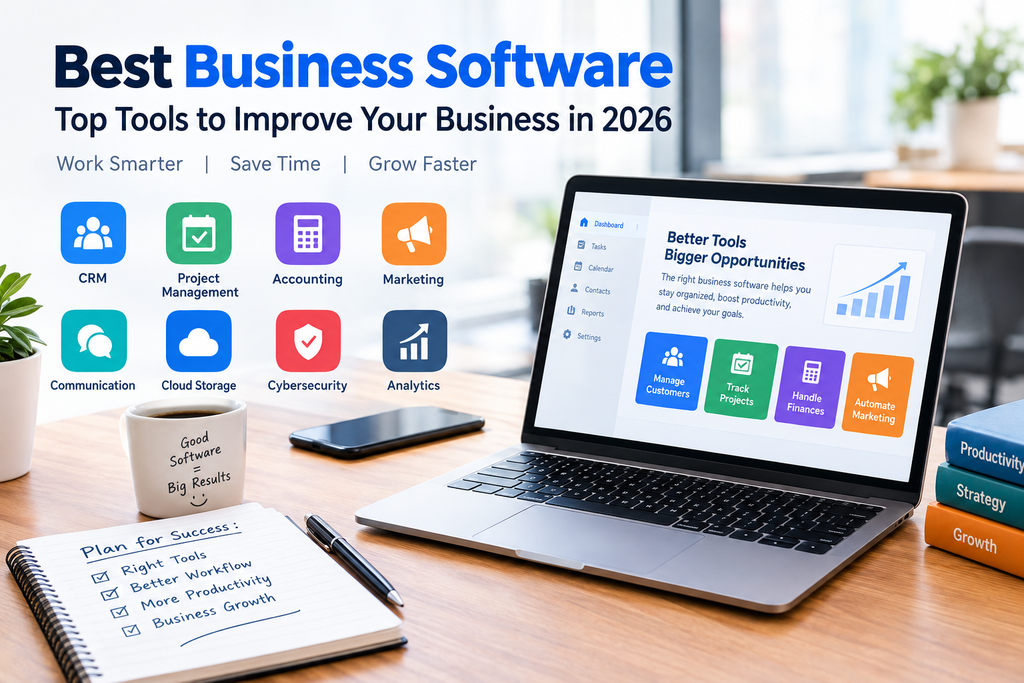
Running a business today involves much more than selling products or services. You need to manage customers, communicate with your team, keep track of finances, organize projects, protect important data, and often handle marketing at the same time.
That is where business software can make a huge difference.
The best business software can automate repetitive tasks, keep your information organized, improve productivity, and help your team spend more time on work that actually matters. However, there are thousands of business tools available, and choosing the right one isn’t always easy.
In this guide, we’ll look at the main types of business software, what they are used for, and some popular options businesses can consider in 2026.
What Is Business Software?
Business software is a program or online service designed to help a company manage one or more areas of its operations.
Depending on the software, it can help with:
- Project management
- Customer relationship management (CRM)
- Accounting and invoicing
- Team communication
- Human resources
- Marketing
- File storage
- Cybersecurity
- Sales
- Business analytics
Some companies use one platform for several tasks, while others combine specialized tools to create a complete business technology stack.
Why Is Business Software Important?
The right software can simplify everyday business operations.
For example, instead of keeping customer information in spreadsheets, a CRM can organize contacts, conversations, sales opportunities, and follow-ups in one place. Similarly, accounting software can reduce the amount of manual work involved in tracking expenses and creating invoices.
Here are some of the biggest benefits.
1. Saves Time
Automation can handle repetitive tasks that would otherwise take hours. This can include sending invoices, scheduling meetings, creating reports, or assigning tasks.
2. Improves Productivity
When employees don’t have to constantly switch between spreadsheets, emails, and disconnected systems, they can focus more easily on their main responsibilities.
3. Keeps Information Organized
Business software gives teams a central place to store and access important information.
4. Makes Collaboration Easier
Cloud-based tools allow employees to communicate and work together even when they’re working from different locations.
5. Helps Businesses Make Better Decisions
Analytics and reporting tools can turn business data into useful information that helps owners and managers understand what’s working and what needs attention.
Best Business Software Categories
There isn’t one piece of software that is perfect for every company. The best option depends on the size of your business and what you need to accomplish.
Here are some of the most important categories to consider.
1. CRM Software
Customer relationship management software helps businesses organize interactions with current and potential customers.
A CRM can store contact information, track leads, manage sales pipelines, schedule follow-ups, and provide reports about sales performance.
Popular CRM platforms include:
- Salesforce
- HubSpot
- Zoho CRM
- Pipedrive
A CRM is particularly useful for businesses with sales teams or companies that manage a large number of customers.
2. Project Management Software
Project management software helps teams organize tasks, deadlines, projects, and responsibilities.
Instead of relying on long email threads, employees can see what needs to be done and who is responsible for each task.
Popular options include:
- Asana
- Trello
- Monday.com
- ClickUp
Small teams may only need simple task boards, while larger companies may benefit from advanced project planning and reporting features.
3. Accounting Software
Keeping track of business finances is one of the most important parts of running a company.
Accounting software can help with invoicing, expenses, payments, financial reports, and bookkeeping.
Popular accounting platforms include:
- QuickBooks
- Xero
- FreshBooks
- Zoho Books
When choosing accounting software, consider the type of reports you need, your local tax requirements, and whether your accountant can work with the platform.
4. Communication and Collaboration Software
Communication tools have become essential for modern businesses, particularly for remote and hybrid teams.
Platforms such as Slack and Microsoft Teams can provide messaging, file sharing, meetings, and team collaboration features.
The goal isn’t simply to add another communication app. A good platform should make communication easier without creating unnecessary notifications and distractions.
5. Cloud Storage Software
Businesses handle a large amount of digital information, including documents, images, spreadsheets, presentations, and customer files.
Cloud storage allows employees to access files from different devices while making collaboration easier.
Common options include:
- Google Drive
- Microsoft OneDrive
- Dropbox
- Box
Before choosing a cloud storage provider, look at storage limits, sharing controls, security features, and administrative tools.
6. Marketing Software
Marketing software helps businesses attract customers and manage campaigns.
Depending on the platform, it can help with email marketing, social media, advertising, customer segmentation, and analytics.
For example, email marketing platforms can automate welcome emails, newsletters, promotional campaigns, and follow-ups.
Marketing automation can be especially useful for small businesses because it allows a small team to manage campaigns that would otherwise require a lot of manual work.
7. Cybersecurity Software
As businesses become more dependent on technology, cybersecurity becomes increasingly important.
Security software can help protect company devices, accounts, networks